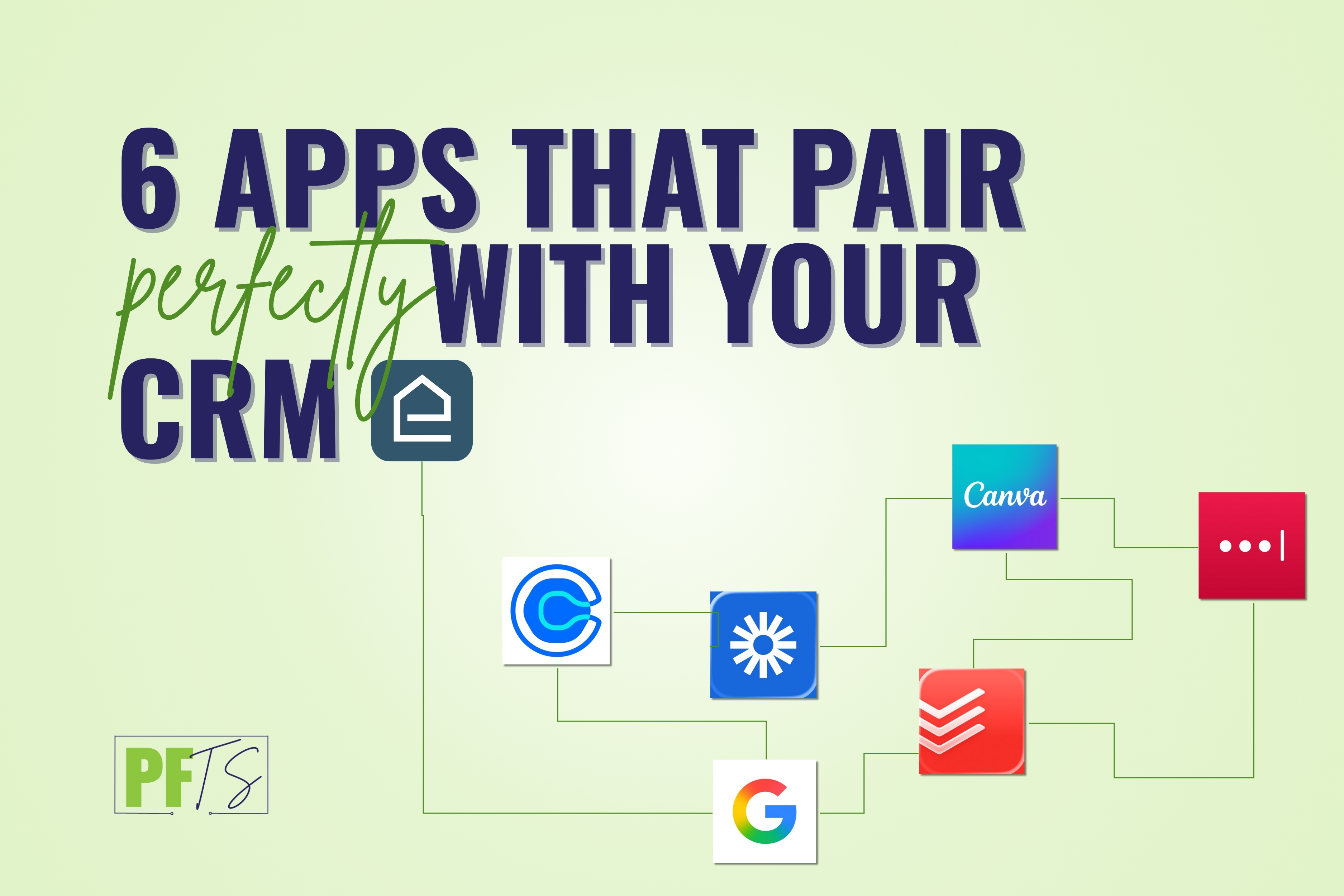
6 Apps That Pair Perfectly With Your CRM
A CRM is the backbone of an organized business. The real magic happens when the CRM is paired with a few key apps that handle the day-to-day details: scheduling, forms, files, task tracking, and client communication.
Think of it like an organizing system in a home: the CRM is the “home base,” but the bins, labels, and routines are what make it functional.
In this post, I’m sharing the apps that tend to work really well alongside CRMs, plus exactly what to use them for—without turning your tech stack into its own clutter problem.

Start with the foundation: Google Workspace
If there’s one ecosystem that pairs with nearly every CRM, it’s Google Workspace. For most small business owners, client communication already lives in Gmail, scheduling lives in Google Calendar, and the “where did I put that file?” problem gets solved with Google Drive. Even if you are a Microsoft 365 user or Apple user, I recommend powering everything with Google, then you can look at and use the calendar/email in whatever program. you desire.
When these tools are connected to your CRM, your day gets smoother fast. Calendar sync keeps consults and sessions from double-booking. Drive folders linked inside each client record make it easy to find intake forms, photos, and plans. And if you use templates—either inside Gmail or inside your CRM—you’ll sound consistent and professional without rewriting the same email 50 times.
A simple brand-forward move: create a repeatable “Client Hub” folder structure in Drive (Intake, Photos, Plan, Supplies/Receipts, Wrap-Up) and reuse it for every client. It’s the digital version of labeling bins before you start organizing.
Having trouble clicking the link? Use the full link here: https://workspace.google.com/intl/en/
Make scheduling effortless: Calendly (or your CRM’s scheduler)
Service-based businesses live and die by scheduling clarity. If booking a consult takes five emails, you’ll lose momentum—and sometimes you’ll lose the lead.
A tool like Calendly (or a built-in scheduler inside your CRM) solves the back-and-forth. It also gives you a chance to pre-qualify clients before you ever get on a call. Add a few questions to the booking form—service area, timeline, and what they want help with—and you’ll walk into the consult with context.
Even better, when scheduling is connected to your CRM, new bookings can automatically create or update a contact record, tag the lead type, and move them to the right stage in your pipeline. That’s the kind of automation that feels like relief.
Having trouble clicking the link? Use the full link here: https://calendly.com/
Add high-touch support without more meetings: Loom
Loom is one of the fastest ways to create a high-touch client experience without adding calls to your calendar. Instead of writing a long email explaining what happens next, you can record a quick two- to three-minute walkthrough.
This pairs beautifully with your CRM because Loom links can live inside templates and automations. You can send a welcome video immediately after booking, share a “here’s how to prep for our first session” video, or even do a quick recap after a session to keep clients motivated.
For organizers, Loom is especially helpful because clients often feel overwhelmed. A calm, friendly video can reduce anxiety and increase follow-through.
Having trouble clicking the link? Use the full link here: https://www.loom.com/
Keep things polished: Canva
A CRM makes your process consistent; Canva makes you look consistent.
If you’re sending proposals, welcome guides, maintenance plans, or even simple one-page “here’s what to expect” documents, Canva helps you present them in a clean, branded way. Then your CRM can handle the delivery—attach the PDF to an onboarding workflow, drop it into an email template, or store it in a client portal.
A practical idea: create a branded “Maintenance Plan” one-pager that you send at wrap-up. It’s a small asset that makes your service feel premium and helps clients maintain results (which also reduces future “backslide” frustration).
Having trouble clicking the link? Use the full link here: https://www.canva.com/
Manage your internal work: Todoist (or Asana / ClickUp)
Some CRMs have tasks built in, and that may be enough. But many businesses prefer a dedicated task manager for their own productivity.
If that’s you, Todoist (or Asana/ClickUp) can be the place where your daily “operator” work lives—follow-ups, prep, supply lists, and recurring admin routines—while the CRM remains the source of truth for client records and pipeline stages.
A simple weekly rhythm that works well: a 15-minute pipeline check inside the CRM, followed by a quick task planning session in your task app. It’s like doing a weekly reset in a home—small effort, huge payoff.
Having trouble clicking the link? Use the full link here: https://www.todoist.com/
Don’t skip the unglamorous system: LastPass
This one isn’t exciting, but it’s foundational—especially if you’re hiring support or working with a VA.
A password manager like LastPass, 1Password, or Bitwarden helps you store and share logins safely. That includes your CRM admin credentials, your connected tools (email, calendar, forms), and any client portals you manage.
From a business-systems perspective, this is one of the first “grown-up” moves that makes delegation feel safe. It also prevents the common issue of everything living in one person’s head—or one person’s browser.
How to choose the right CRM companion apps (without adding clutter)
The goal isn’t to build the biggest tech stack. The goal is to build a calm tech stack.
So instead of downloading everything, choose based on what’s currently breaking. If leads are messy, start with forms. If scheduling is chaotic, fix booking. If clients are confused, add Loom. If you’re drowning in admin, tighten your task system and your file structure.
A CRM should be the hub, and these apps should act like the supporting systems that keep everything running smoothly.
WATCH the video discussing why Elenore is the #1 CRM for Organizers on YouTube!
Final thoughts
A CRM is the center of that system, but the right companion apps make it feel effortless in real life.
If you’d like support choosing the right tools and getting them set up in a way you’ll actually use, book a phone call. We’ll map your workflow, recommend the best-fit CRM and apps for your business, and create a simple implementation plan—whether you’re a solopreneur or leading a growing team.
** Several of the links in this article are affiliate links, which means we have the potential to earn a small percentage of your payment to the affiliate company.